
Shenzhen Changshengying Technology Co.,Ltd
easuntec.com


Star Projector Smart App Galaxy Projector for Bedroom Night Light Projector for Gaming Room Home Theater Ceiling
Product Description:
1. How to connect the galaxy projector with smart App,Step 1: Down the Smart Life App from APP Store or Google play.
Step 2: Turn on the star projector and choose the quick mode ( Press and hold the power button on the smart star projector for 6 seconds until the indicator light blink rapidly).
2. Step 3: Open the app on your phone and start to add the device,Step 4: Select 2.4Ghz WiFi Network and Enter password,Step 5: Start Adding device, and control your star projector via APP.
3. How to Connect to Amazon Alexa,Step 1: Please download APP “Amazon Alexa” on your phone.Step 2: Search “Smart Life”in the “Alexa Skill”.Step 3: Authorize Alexa to log in to the “Smart Life” App.Step 4: Control your star projector with voice.Just like: Alexa, turn on the music star light.
Specification
| Item Name | Smart Star Projector App | LED Effects Modes | 8 Star Cloud modes | Main Material | ABS+PC |
| Item Color | White / Black | Rated voltage /Power |
5V / 1A ~ 5W | Item Size | 170*160*70 mm |
| Light Mode | Starry / LED | Power Supply | USB(DC) plug adapter | GiftBox Size | 220*205*80 mm |
| Control By | Amazon Alexa | Timing | Flexible timing | Item G.W. / N.W. |
750 g / 500 g |
| Google Home | Accessories | 1*App Smart Star Projector | Carton Qtys | 20 pcs | |
| Wifi Smart Life App | 1*USB(DC port)power cable | Carton G.W. / N.W. |
16kg / 15kg | ||
| Switch Button | 1*English Manual | Carton Size | 465*445*440 mm | ||
| Main Features | 1.Set a Timing,turn on countdown time auto shutdown after 24 hours. 2.Brightness Adjustable and 4 Angle Projection,Star and Cloud movable. 3.Wifi Smart Life App / Compatible with Alexa or Google Assistant Voice Control |
||||
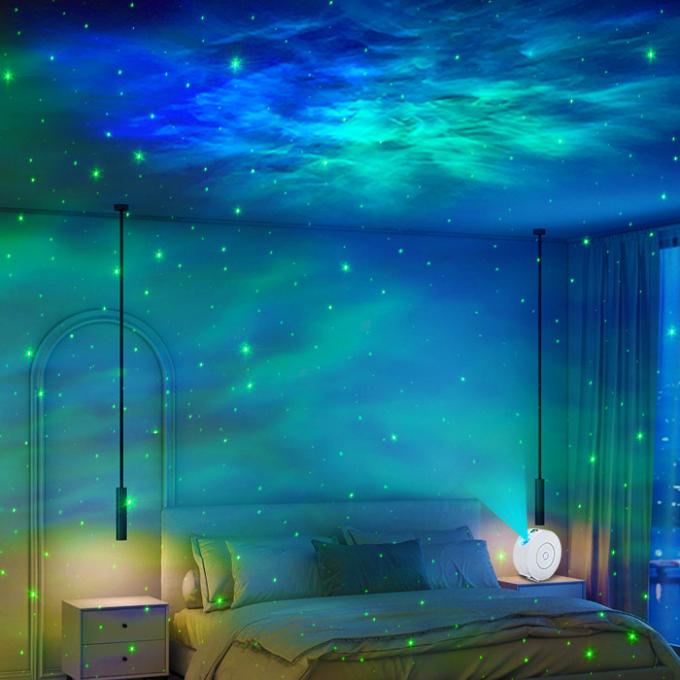
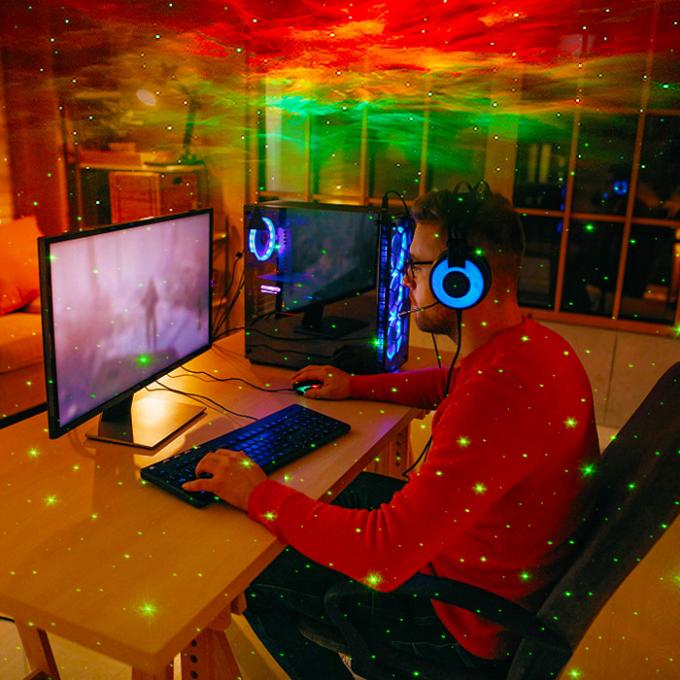
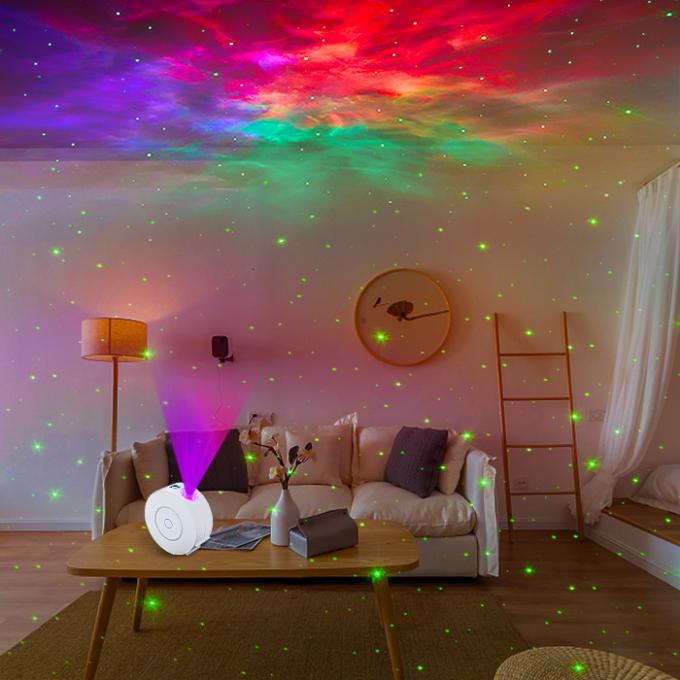
| Suitable For | Home bedroom,Home Theater,Living Room,Game Room,Party Decor,KTV Bar,Camping,etc. | ||||
Packaging Includeds:
1 * Smart Galaxy Star Projector App
1 * USB (DC port) power cable
1 * English manual
 008613537840678
  sunny@easuntec.com
  easuntec.com